Search
By subject, sender, or folder, results appear as you type.
Features
PixMail connects to the IMAP and SMTP account you already have. You get a mailbox for reading and writing, tidy and without detours, on a computer or a phone, with the AI tools as a chapter of their own.
Mailbox
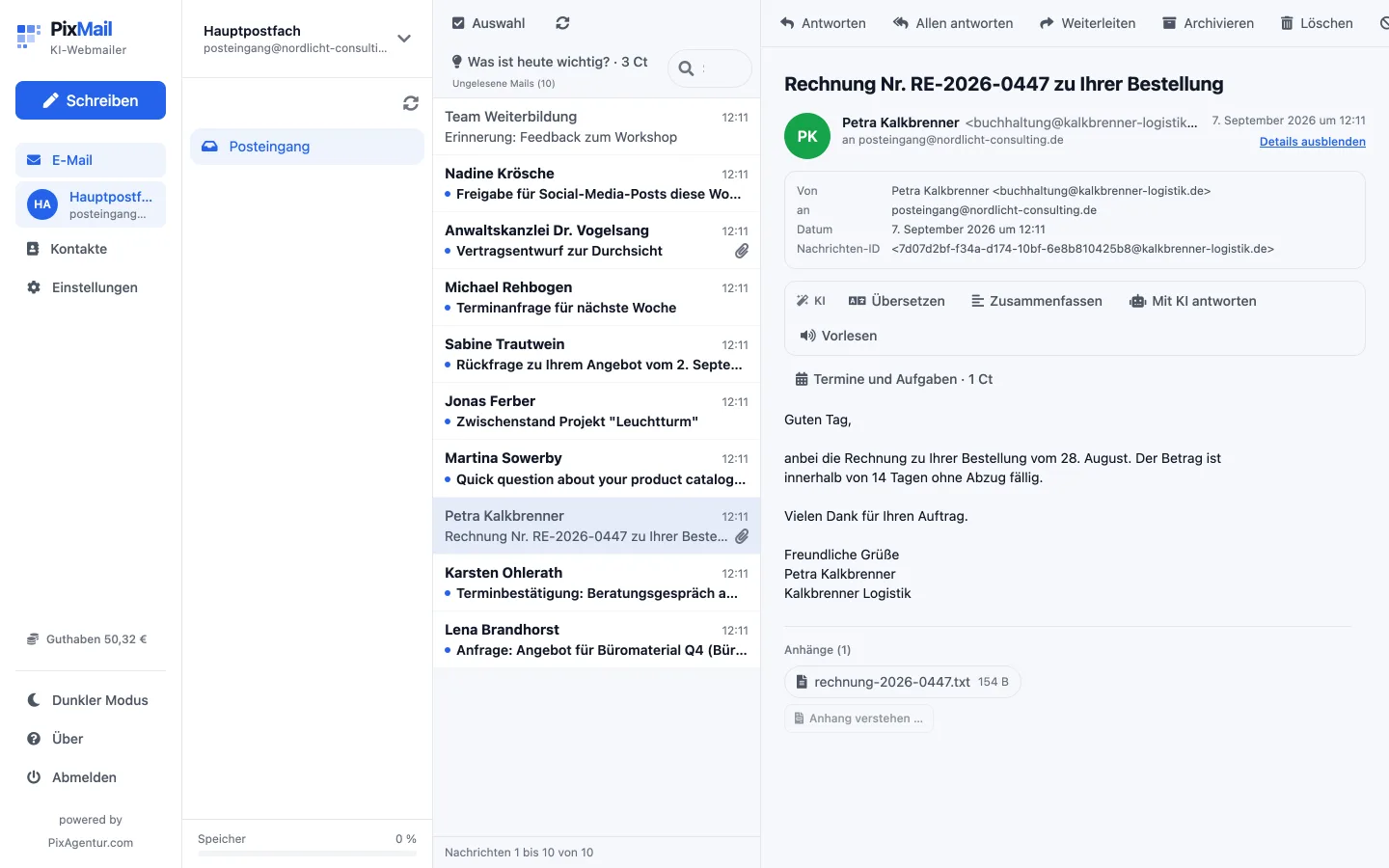
Folders on the left, the list in the middle, the open message on the right. You already know the pattern, what's new is what happens behind it: HTML mail runs inside a sandboxed frame, and external images and embedded content stay blocked until you allow them. A tracking pixel in a newsletter can't quietly report that you opened the mail.
Writing
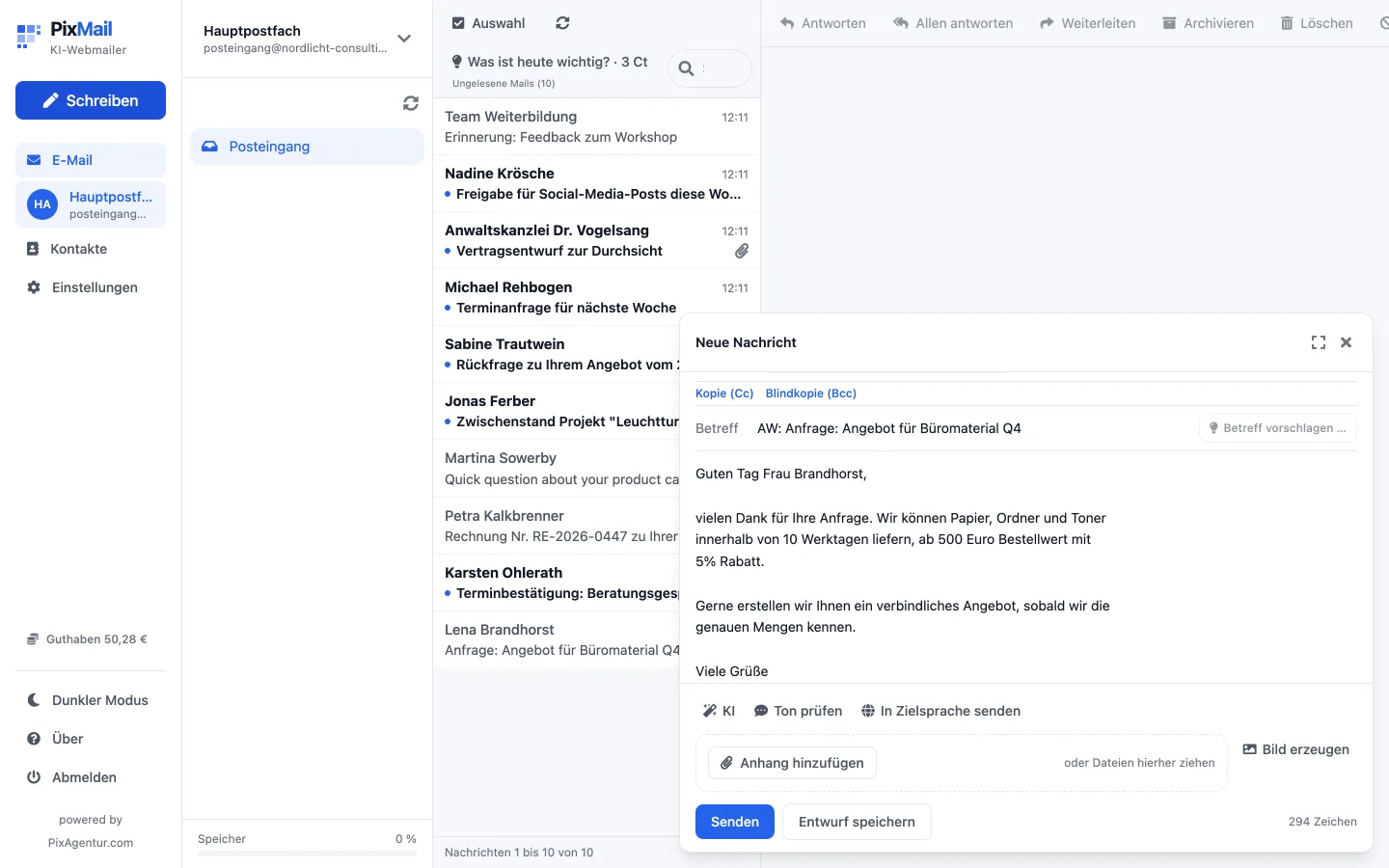
Every mail you send through PixMail goes out over your own SMTP account, the sender stays yours. Attachments up to 25 MB go along, per file and in total. A draft doesn't land in some PixMail table of its own, it sits as a normal message in your Drafts folder: switch clients later and it's still there.
Mail accounts
If you use separate addresses for work and personal mail, PixMail lets you switch between them instead of signing in again or opening a second client. PixMail only learns contacts from addresses you write to yourself, never from the senders of incoming mail, and only if you turn that on.
Mobile
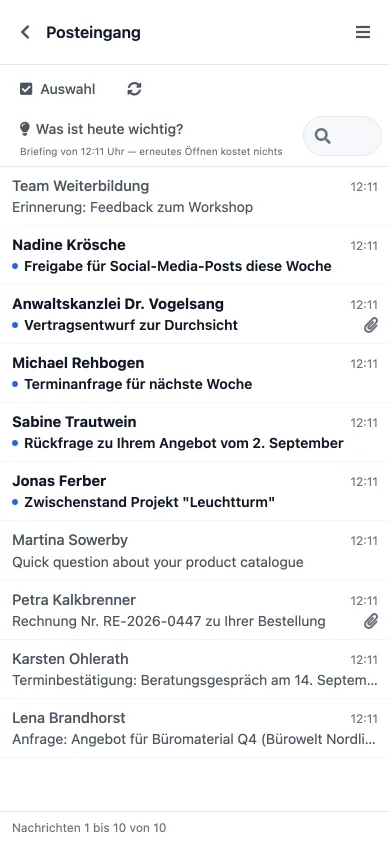
On phone and tablet, the list turns into a stack: swipe a message left to archive it, right to delete it. "Add to home screen" installs PixMail as its own app, with its own icon and no address bar.
Handling
A few ways to get through the day faster, at your desk and on the move alike.
By subject, sender, or folder, results appear as you type.
Next message, reply, archive, delete, all without the mouse.
One click moves a message out of the inbox without deleting it.
One click in the header, easier on the eyes and the battery at night.
"Add to home screen" puts PixMail on your device with its own icon, no app store needed.
Translate, summarize, a briefing on your day, replies from keywords, every tool runs only when you click. Or walk through setting up your mailbox step by step first.